Notes that turn into flashcards
Write what you're learning. Olumino suggests the cards, then brings each one back right before you'd forget it.
Free while in early access · Try it now
Notes first
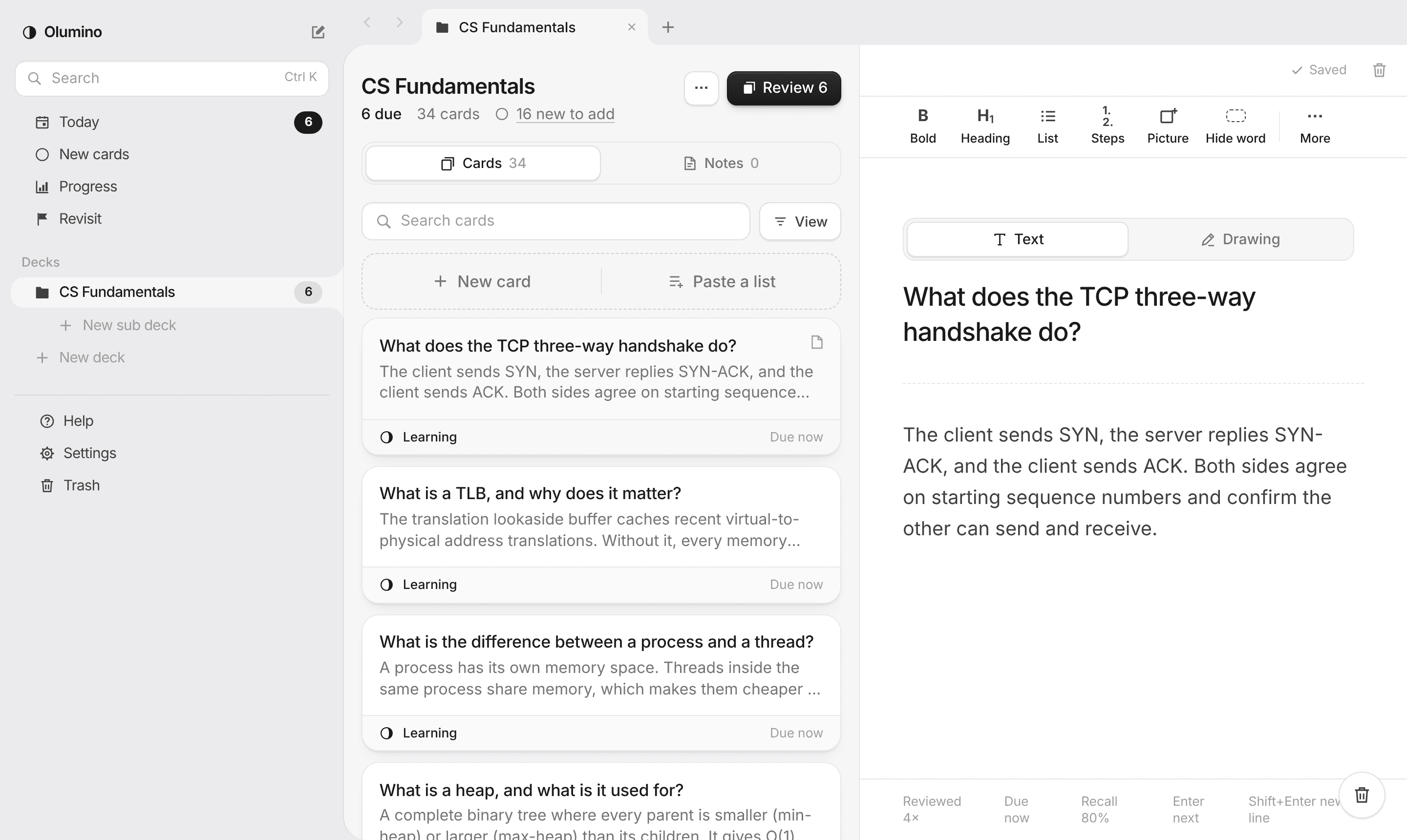
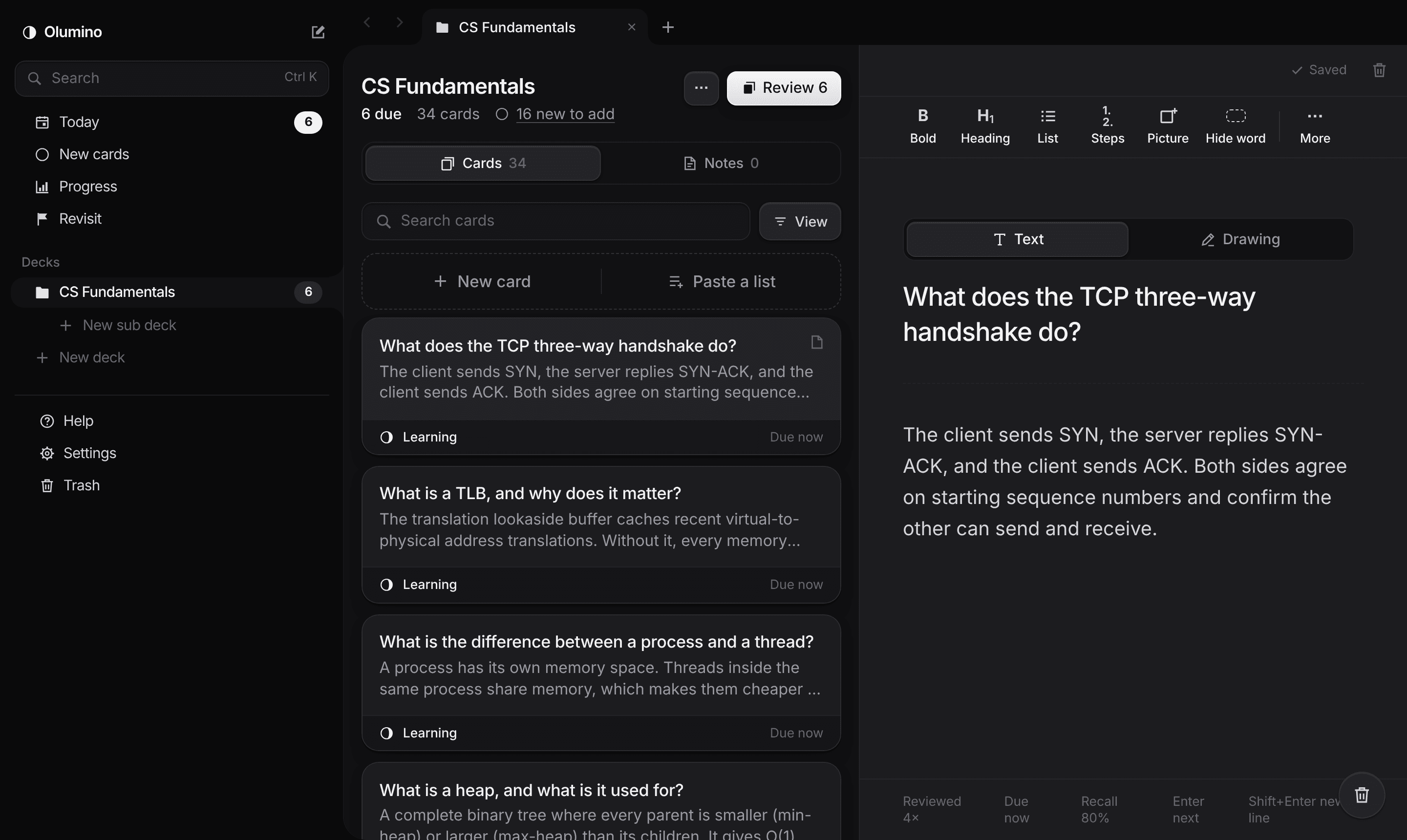
Write the way you already do: headings, lists, pictures and math.
Cards from your notes
Questions are suggested beside what you write. Keep the ones you like.
Remember for good
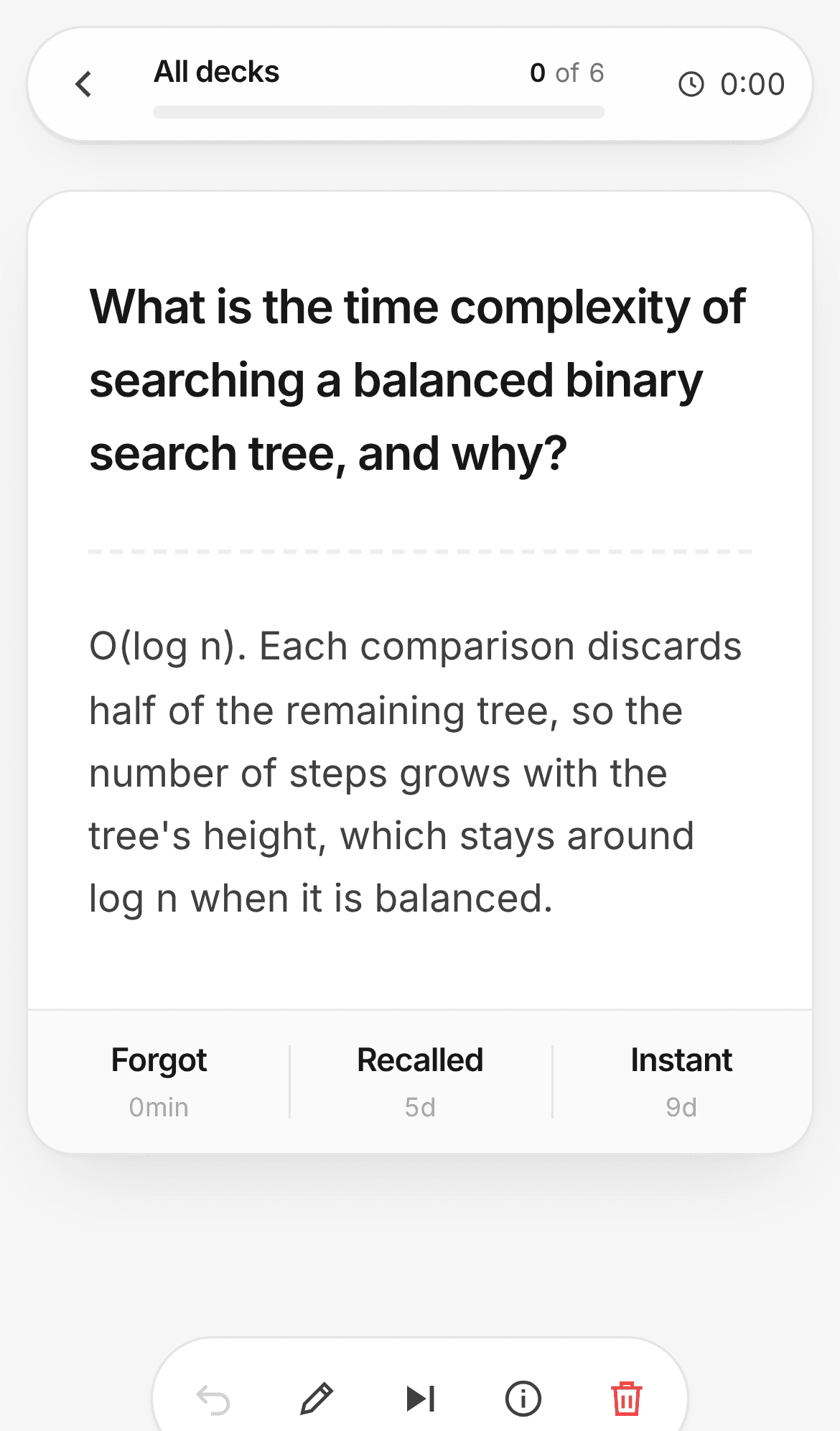
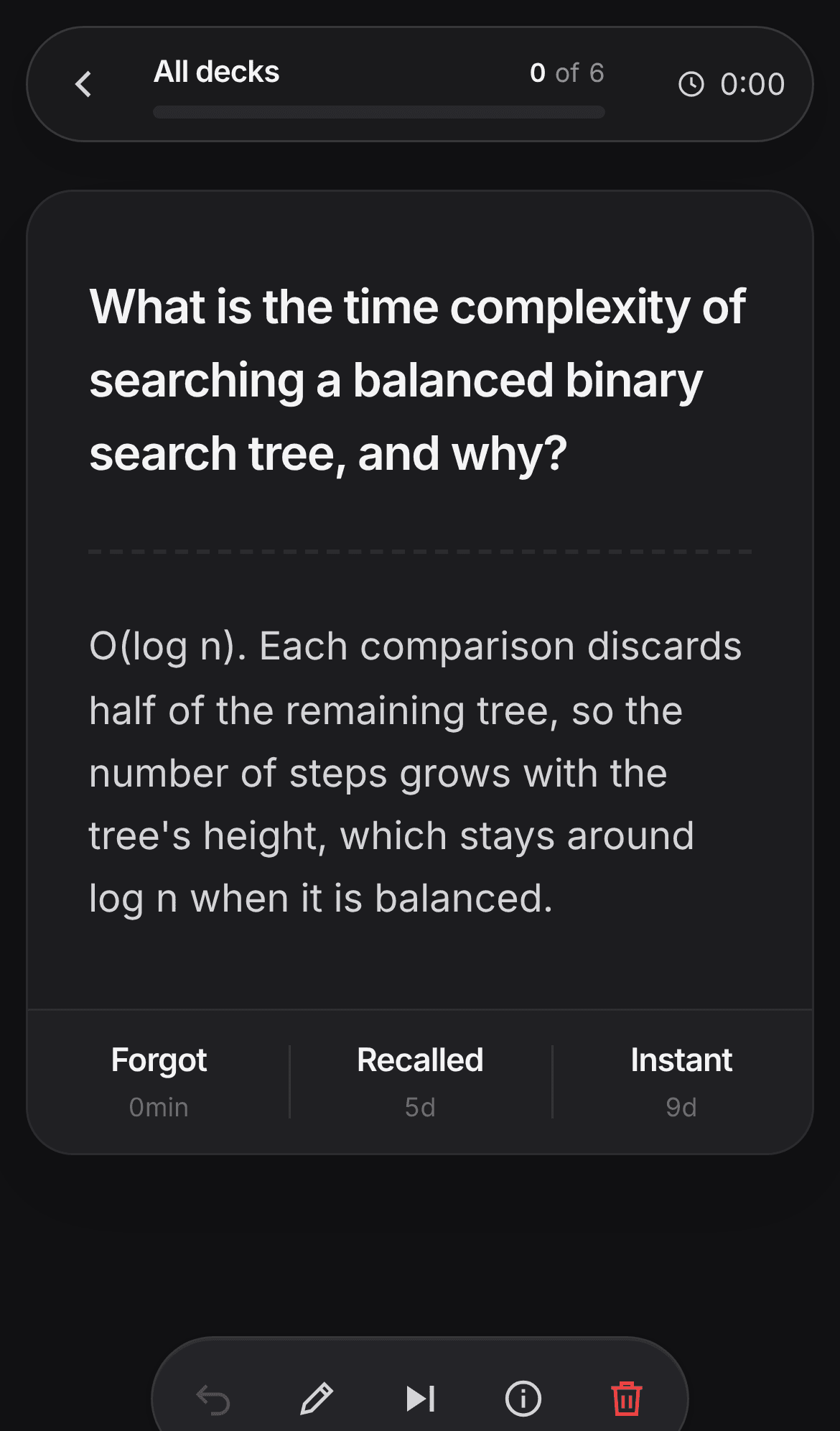
Each card comes back right before you'd forget it. Watch its moon fill.
Questions
Is Olumino free?
Yes, while Olumino is in early access.
Do I need to install anything?
No. Olumino runs in your browser on a computer, tablet or phone. On a phone you can add it to your home screen, and it opens like an app.
Where are my notes kept?
On your device. The only thing sent anywhere is the paragraph you're writing, when card suggestions are on, so they can be made. You can turn suggestions off in Settings.
Do I have to use the suggested cards?
No. You can write every card yourself, and nothing is added unless you add it.
How does it decide when to show a card?
It uses FSRS, an open method trained on millions of real reviews. Each answer you give (Forgot, Recalled or Instant) changes when the card comes back, so you see it right before you'd forget it.
What do the moons mean?
Each card has a moon that fills as you learn it, from a new moon (never studied) to a full moon (remembered for a month or more). A moon only grows once you've proved you remember the card after time away.
What happens to cards I keep forgetting?
A card you forget three times in one session goes to Revisit, where you can practice it on its own. Get it right twice in a row and it goes back to normal.
Can I keep a copy of everything?
Yes. Settings has a button that saves all your decks, cards, notes and pictures to one file, and you can open it again on any device.